
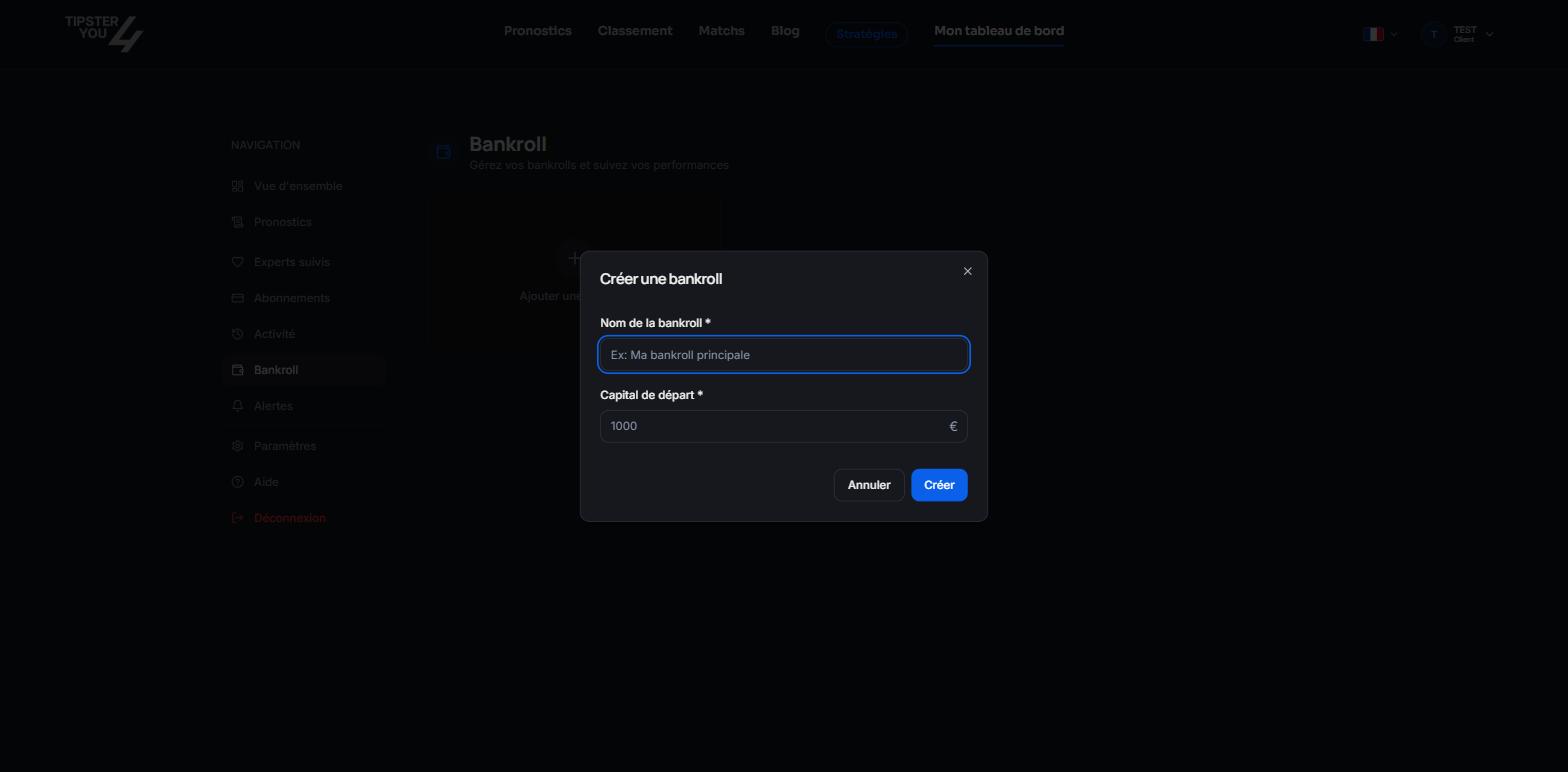
The Bankroll tab: capital, stakes, profit.
Creating a bankroll
Click “Add a bankroll” and fill in:- a name, for instance “My main bankroll” or the bookmaker’s name;
- the starting capital, in euros.
Attaching a prediction
On every bought or free prediction, “Add to my bankroll” asks for the bankroll, the stake (in euros or in units) and the bookmaker used (Bet365, Betclic, Bwin, PMU, Pinnacle, Unibet, Winamax or other). The bet is then tracked: when the prediction is settled, the result updates your bankroll.What is computed
- Balance and profit in euros and in units;
- average stake;
- number of bets won, lost, half, refunded;
- history of movements.
Editing or deleting
Every bankroll and every attached bet can be edited or deleted from the tab. Deleting a bankroll does not delete your prediction purchases.Need help? Email support@tipster4you.com
or ask on the Tipster4You Discord.