
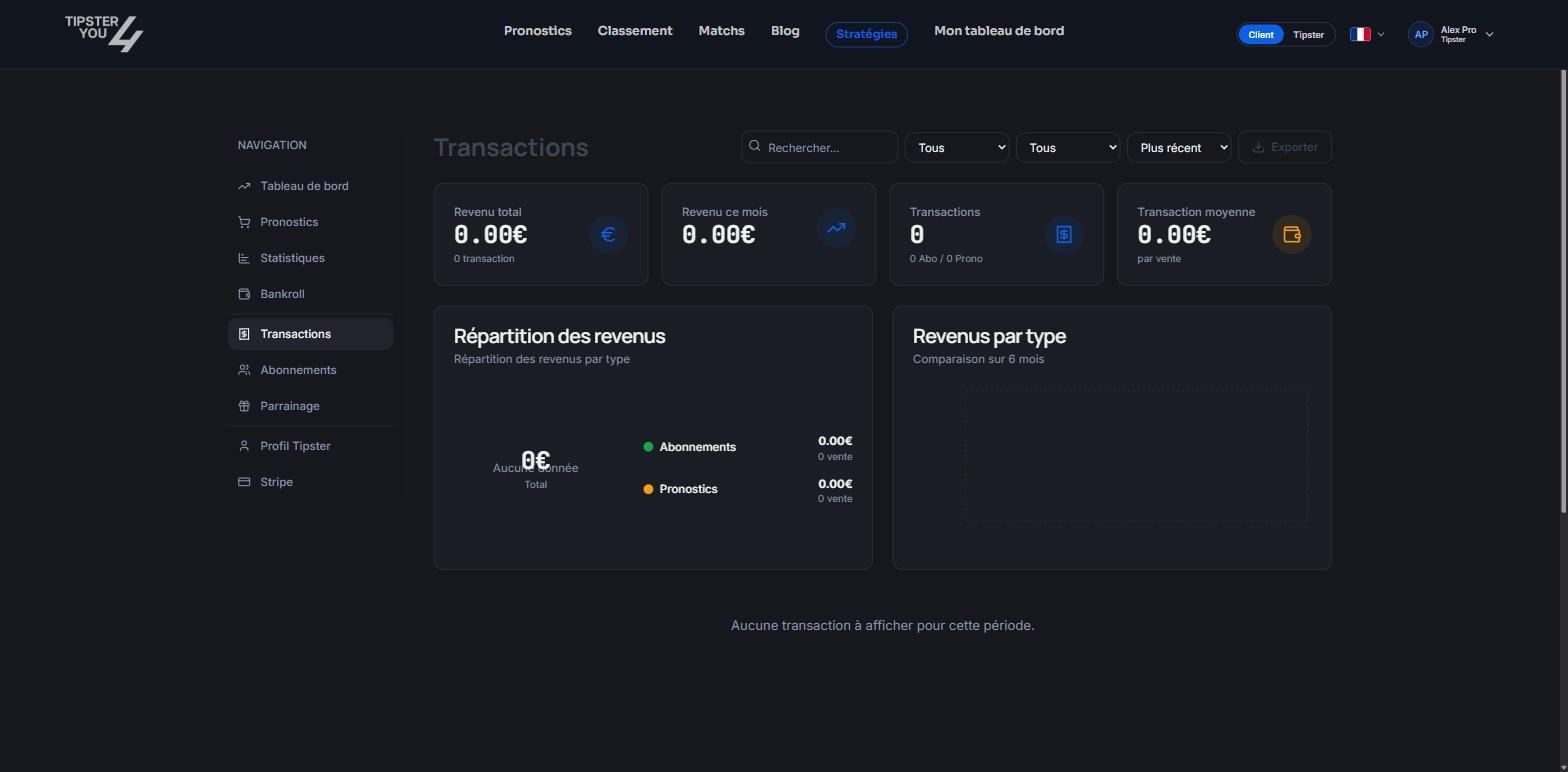
The Transactions tab: totals at the top, detailed list below.
Totals
- Total revenue since the beginning.
- Revenue this month.
- Number of transactions.
- Average transaction, that is what a sale earns on average.
- Revenue split between subscriptions and single-purchase or pay-per-win predictions.
- Revenue by type, compared month by month over the last 6 months.
The list
Each row shows the type (subscription or prediction), the buyer, the date and the amount. Filter by type (all, subscriptions, predictions), sort from newest to oldest, and search for a prediction or a subscriber with the search field.Export
The Export button downloads the filtered list, for your accounting or your own tracking.What is not in it
- A lost pay-per-win prediction refunded to the buyer earns you nothing: it does not appear as revenue.
- The bank transfer schedule depends on your Stripe account, not on this tab. See Stripe payouts.
Need help? Email support@tipster4you.com
or ask on the Tipster4You Discord.