
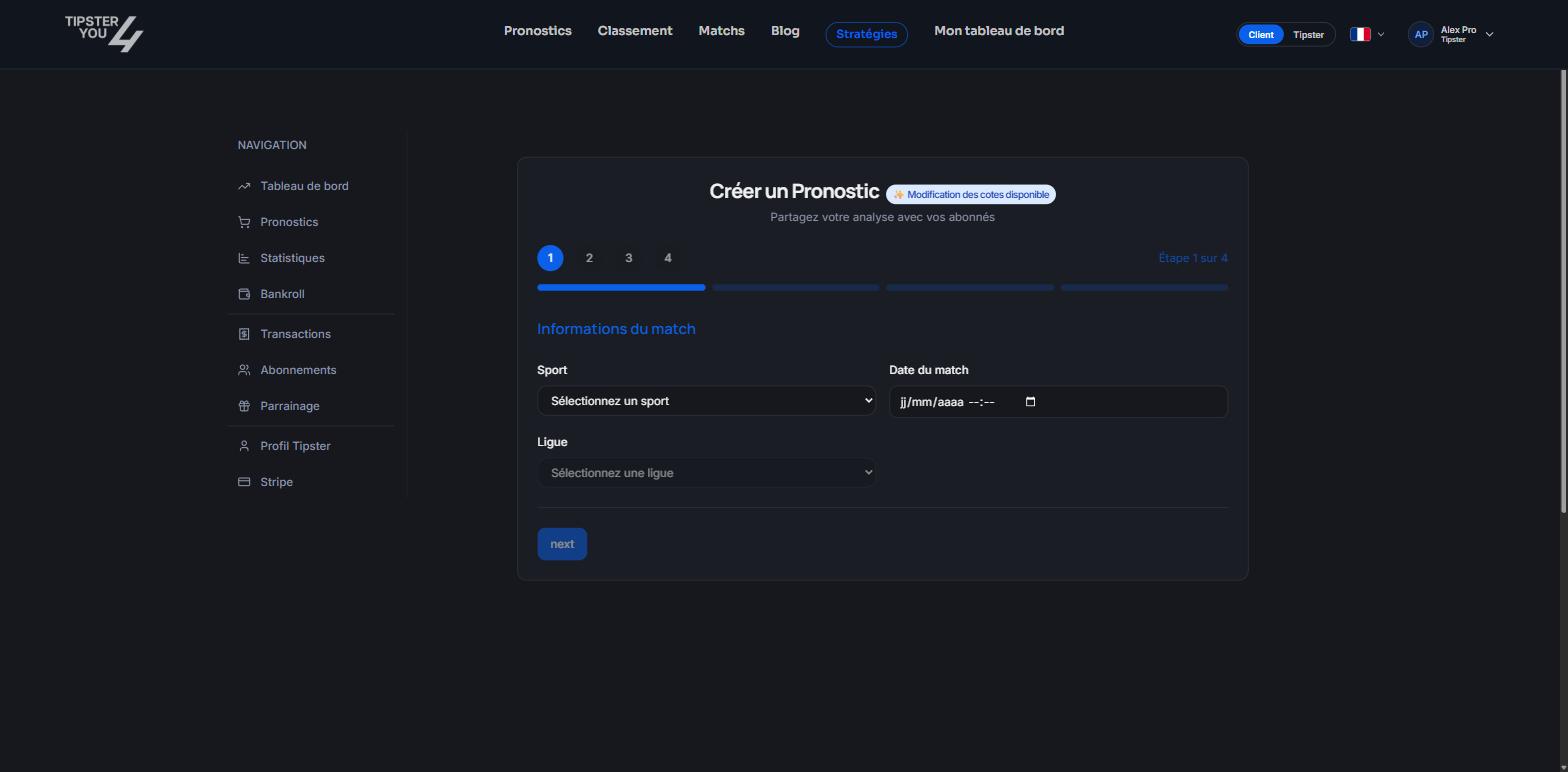
The creation form of the tipster area (step 1 of 4). From odds, it opens already filled in.
What is pre-filled
The sport, the competition, the match, the date, the market, the selection and the odds at the time of the click. You only have to complete:- Access type: free, subscription, pay-per-win (PPW) or pay-per-view (PPV). For a subscription, pick the plan concerned.
- Price in euros, for PPW and PPV.
- Confidence, out of 10.
- Recommended stake, in units.
- Betting site where you took the odds, or “Other”.
- Your analysis: why this bet.
Advanced options
- Also publish as free: a free copy of the prediction, with a promotional description, is published a few minutes after the paid version. It works as a teaser for people who do not know you yet.
- Affiliate link: a link to the bookmaker, shown to buyers.
- Private note: visible to you only, for instance your detailed reasoning or a reminder.
After confirming
The prediction enters a short waiting window before final publication, during which you can still edit or cancel it. See Publishing a prediction.From the tipster area
The same form exists in the Predictions tab of your area, “Create a prediction” button, without pre-filling: you enter the sport, the league, both teams, the date, the market (result, handicap, goals line, correct score, goalscorer…), the selection and the odds.Need help? Email support@tipster4you.com
or ask on the Tipster4You Discord.