
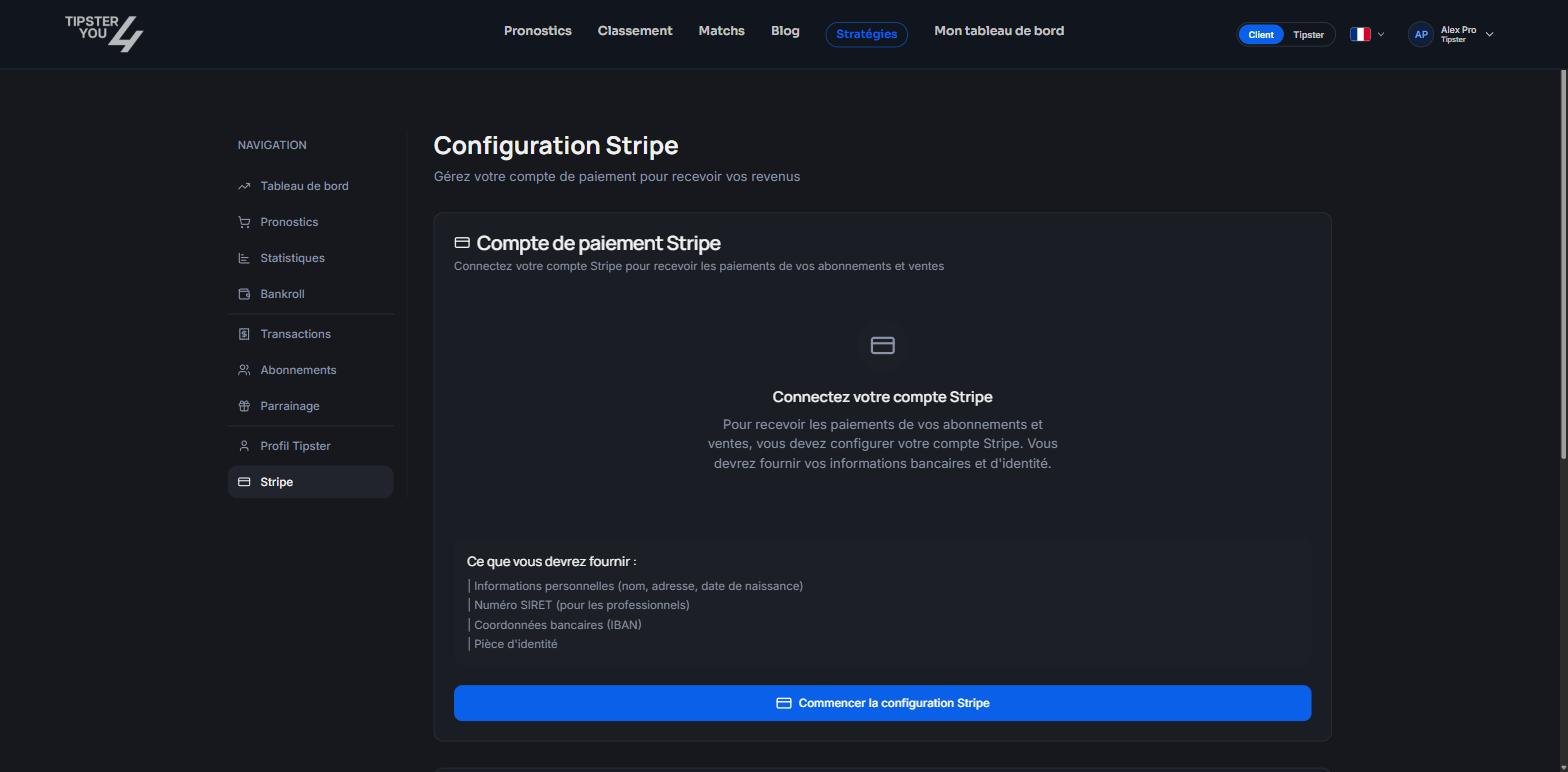
The Stripe tab of the tipster area, before connecting the account.
Connecting Stripe
In the Stripe tab of your tipster area, click Start Stripe setup. You are sent to Stripe, which asks for:- your personal details: name, address, date of birth;
- your business registration number if you are a professional;
- your bank details (IBAN);
- an identity document.
When the money arrives
Your share is transferred to your Stripe account at the time of the sale. Stripe then wires the balance to your bank account according to your Stripe account’s payout schedule, which you can adjust in the Stripe dashboard.Pay-per-win
A lost pay-per-win prediction is refunded to the buyer. That sale is not paid out to you.Where to see your earnings
The Transactions tab of your area shows sales and your share after commission; see Transactions and earnings. Bank-level details and the transfer history are in your Stripe dashboard.Missing information
If the Stripe tab or the Onboarding page reports missing information, Stripe needs an additional document. Follow the link shown; payouts resume once the file is complete.Need help? Email support@tipster4you.com
or ask on the Tipster4You Discord.