
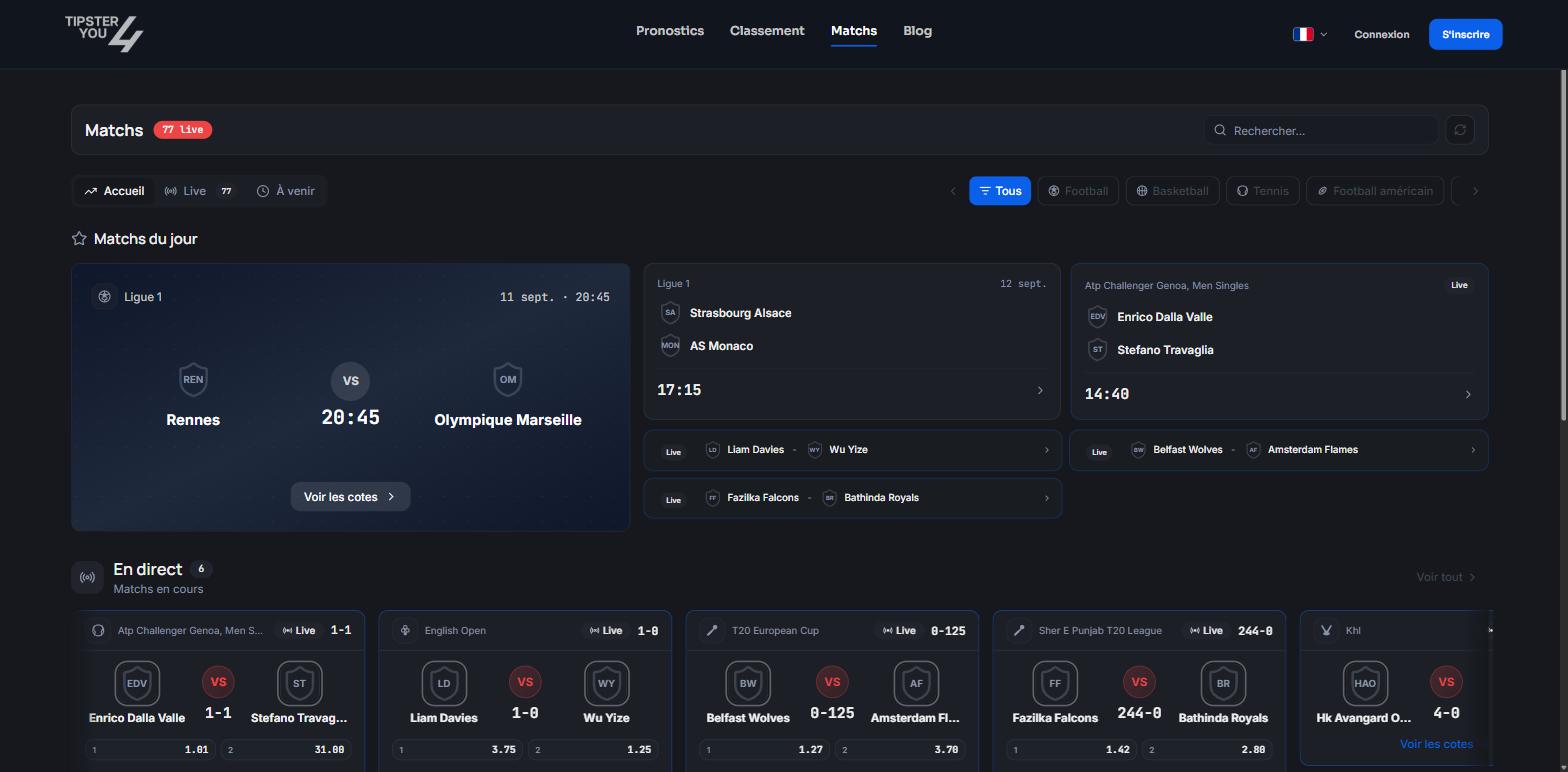
The Matches page: Home, Live and Upcoming tabs.
The three tabs
- Home: featured matches, today’s matches, and the “Browse by sport” entry.
- Live: matches in progress, with the score and moving odds.
- Upcoming: the next matches.
Browsing
Sport → country or region → competition → matches. Covered sports range from football to tennis through basketball, hockey, rugby, baseball, volleyball, e-sports and more. A “Refresh” button reloads the odds.A match’s page
Every match has its page with all its markets, grouped by category: result, goals, correct score, handicap, half-time, corners, cards, goalscorers, players. A counter shows how many markets are open.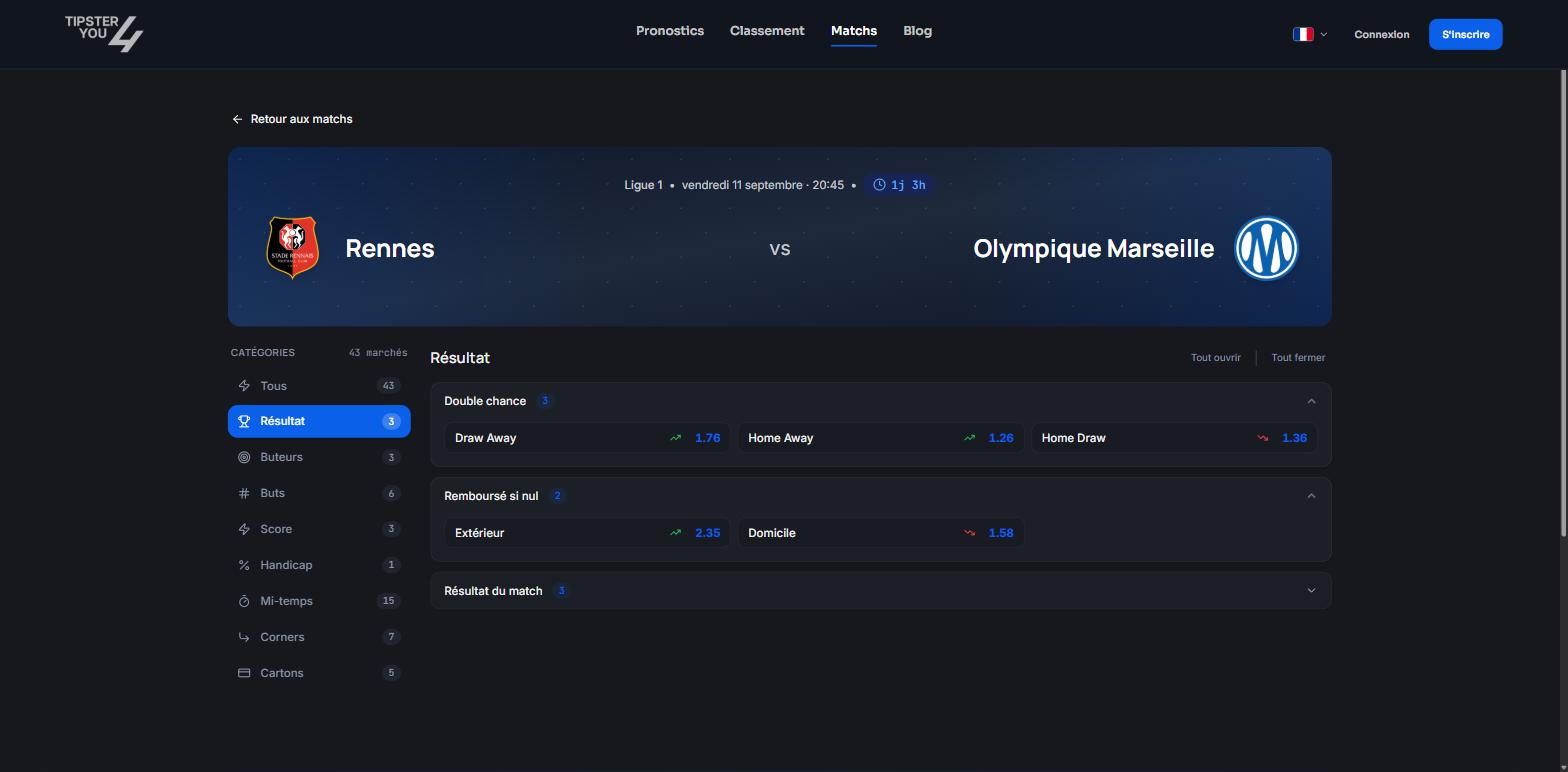
A match's page: markets by category, odds and variation.
Reading odds
Hovering over odds shows a tooltip with:- the opening odds (when the market opened);
- the current odds;
- the variation between the two, and since when;
- the last update.
For tipsters
From a match’s page, the “Create prediction” button opens the publication form pre-filled. See Creating a prediction from a match.Need help? Email support@tipster4you.com
or ask on the Tipster4You Discord.